Connect RemoteLock to your club
Connect your club's RemoteLock account so bookings get automatic door codes and you can unlock doors from the admin app.
Connect your club's RemoteLock account so bookings get automatic door codes, and so you can lock or unlock doors from the admin app. (About 2 minutes. You'll need admin access and a RemoteLock account with at least one online lock.)
You need access-control permission. The page is under Settings → Access Controls.
Before you begin
You have a RemoteLock account with at least one lock that's online.
You can sign in to that RemoteLock account — you'll approve OpenCourt's access during the connection.
Steps
In the admin app, go to Settings → Access Controls. You land on the Locks tab. With nothing connected yet you'll see No access control system connected.
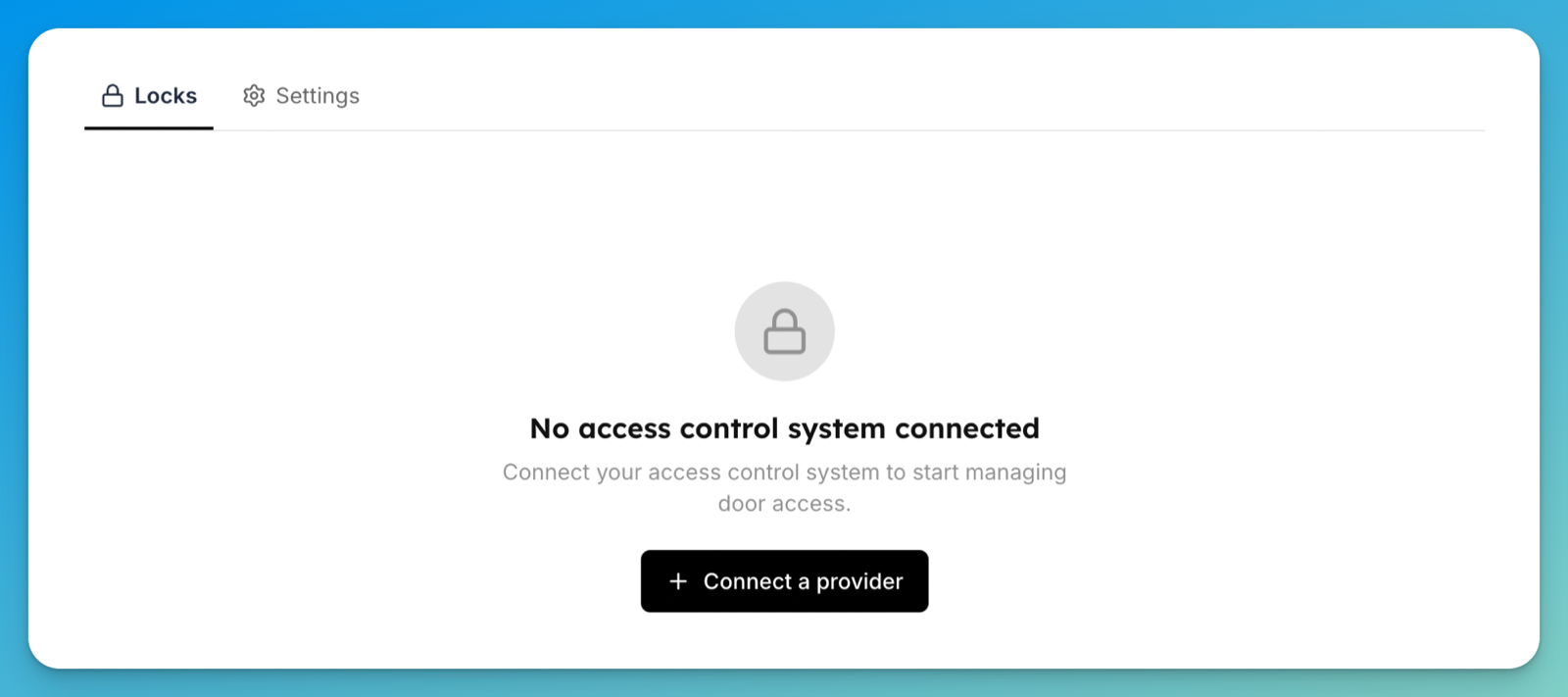
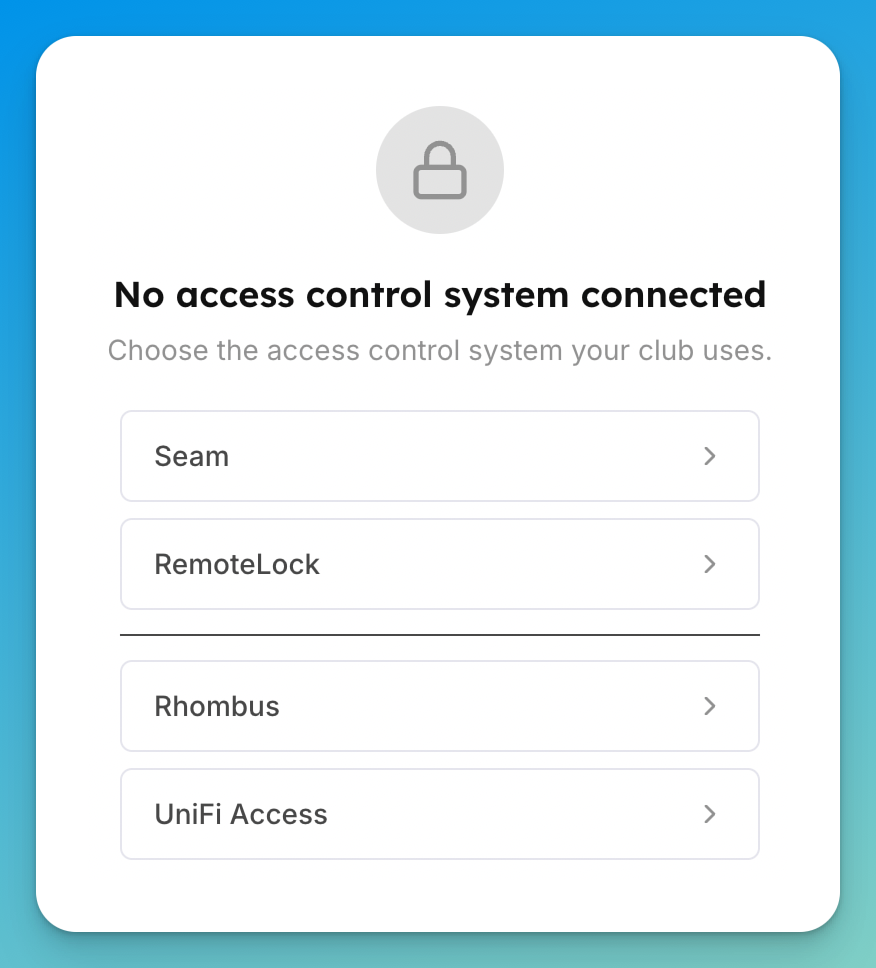
Click Connect a provider, then choose RemoteLock. You're sent to RemoteLock to sign in.
Sign in to RemoteLock and approve access for OpenCourt.
You return to the Access Controls page, which now lists the locks found on your account.
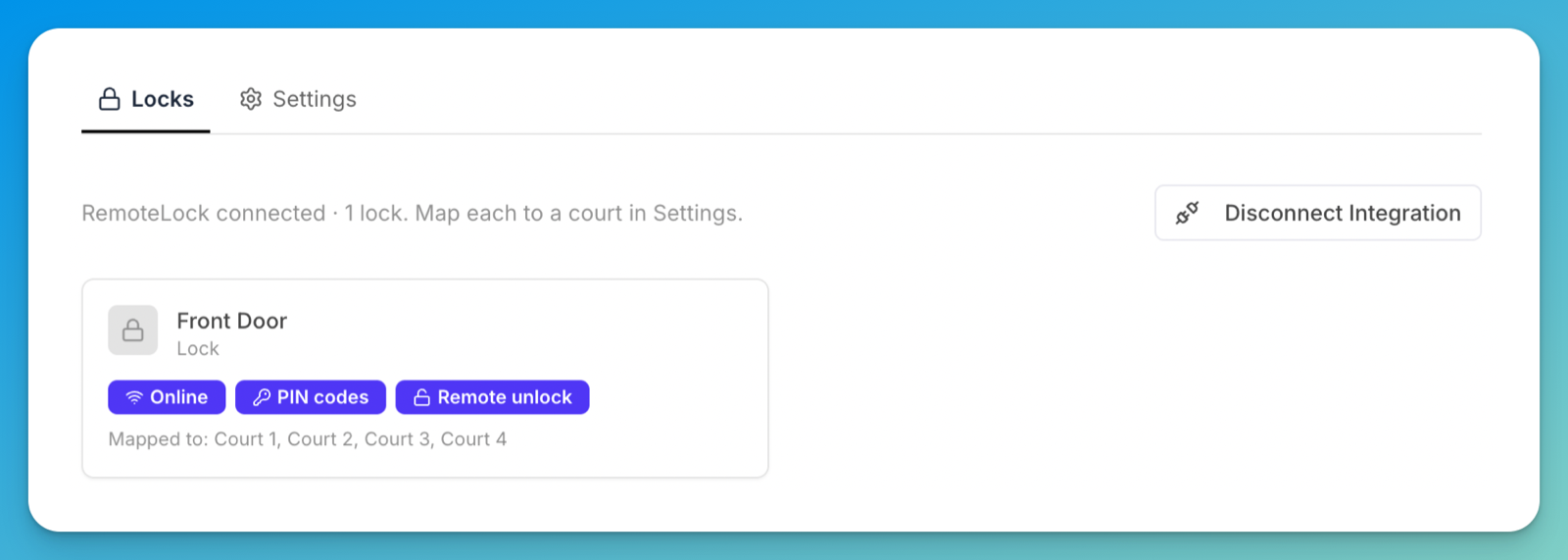
You'll see a line like "RemoteLock connected · 1 lock. Map each to a court in Settings." — that line uses your club's own wording, so it reads "bay" or "field" if that's what you book. Each lock card carries badges for what it supports — Online, PIN codes, Remote unlock.
Map each lock to a space. Switch to the Settings tab and find Court-to-Lock Mapping — the heading follows your club's wording. Choose a lock for each space and click Save. A booking on a mapped space then automatically receives a time-limited door code.
What happens next
Customers who book a mapped space get their own door code for the booking window — RemoteLock generates the code and programs it onto the lock for you. Open a lock to see its assigned codes and recent activity, and to lock or unlock the door remotely. On locks that support remote unlock, customers can also unlock a mapped door from the OpenCourt app during their booking (according to the access rules you set) — see Set who can unlock doors from the app.
RemoteLock programs codes onto the lock in the background and confirms once the lock accepts them, retrying if the lock is asleep. A new code can show as pending for a while before it lands — and either way it only activates for the booking window, not the moment it's created.
If something goes wrong
"We couldn't reach RemoteLock" — a temporary connection issue. Try again shortly, or reconnect the integration from the Access Controls page.
"RemoteLock is connected, but no locks were found" — add your devices in RemoteLock, then return to Access Controls and refresh.
A code is off by a few hours — door codes follow the lock's local time zone. Make sure the lock's time zone in RemoteLock matches the club's; OpenCourt flags a mismatch on the lock's page.