Signing a waiver at the Front Desk
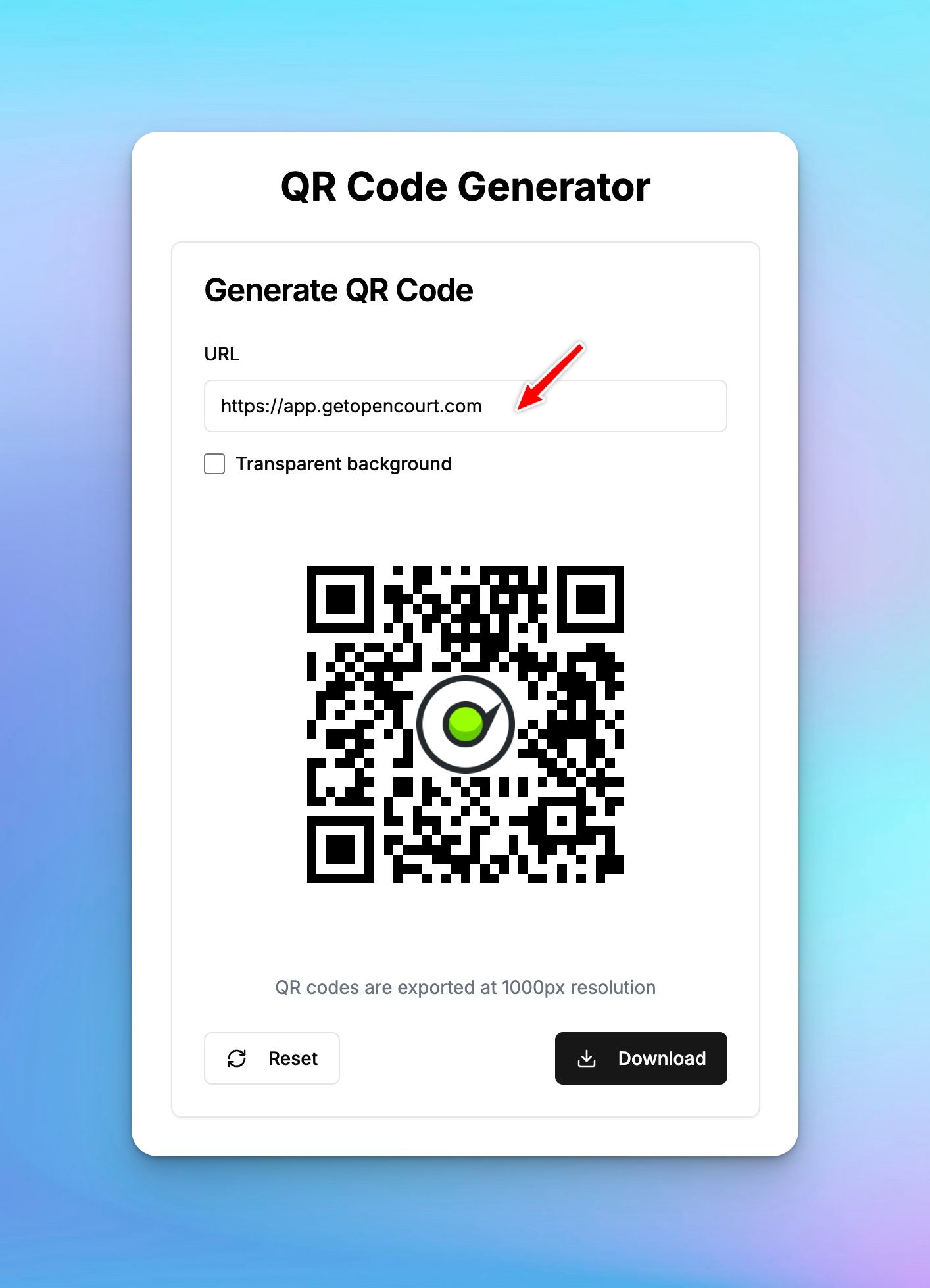
You can create a QR code for your waiver and keep it printed at the front desk. When a new customer needs to sign the waiver, they can scan this QR code, and quickly sign it at the spot.
Use this QR code generator or any other to generate a QR code of your waiver - just put a link of your waiver in the URL field https://app.getopencourt.com/club/<your_club_name>/waiver
When they open this link they'll be prompted to fill out their name and email and sign the waiver.
What's next
Once they sign the waiver, they're automatically added to the platform. You can find them on Users tab and add them as participants to any events (Open Play, Tournament, Clinic etc), or book a court for them, or sell them a membership.