Community
Court Bookings & Events
Introduction to Court Scheduling
Reservations vs. Events
Creating a reservation
Creating an event
Creating a private event
How time slots work for various types of events
Creating recurring event series
Creating a Multi-Date Event (e.g. League)
Auto-Cancellation for Events
Creating Events with Divisions
Processing refunds
Blocking Off Courts or Marking Time as Unavailable
Editing Programs (Event Series)
Swish Integration - Effortless Game Management
Schedule Configuration Customizations
Booking Upsells
Skill Rating: Create Balanced and Competitive Games
Pricing Models
Event Waitlist
Creating and Managing Promo Codes
Event Reminders
Users & Memberships
Booking & Guest Passes
Waivers
POS & Products
Access Controls
QR Code Scanner
Website Integrations
Payment Processing & Payouts
    Home
  1. Court Bookings & Events
  2. Introduction to Court Scheduling

Introduction to Court Scheduling

The Schedule is the heartbeat of OpenCourt — every reservation, event, any court block lives here. From this single view you can see what’s booked, spot open gaps, and make quick adjustments without hunting through separate screens.
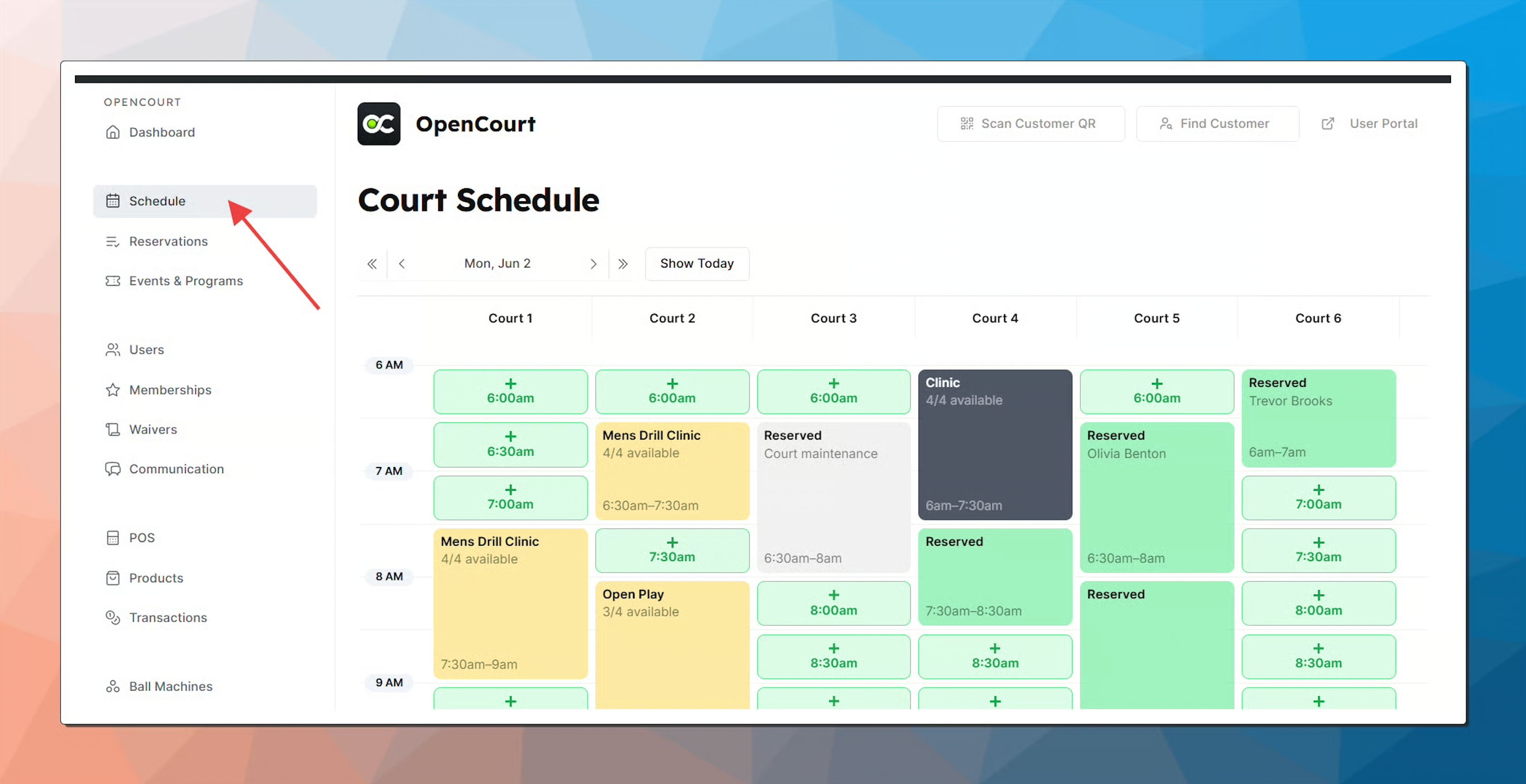
Schedule page is refreshed every 30 seconds so that you always see the up-to-date version of your court schedule.

Was this helpful?