Embedding OpenCourt into your website
There are several ways you can link to or embed OpenCourt on your website to give your visitors direct access to your club’s schedule and events.
In all examples below, replace your_club_id with your club’s unique ID. If you don’t know your club ID, please contact your OpenCourt support representative.
🔗 Direct Links
These URLs take users straight to your club’s pages on OpenCourt:
Club Home Page
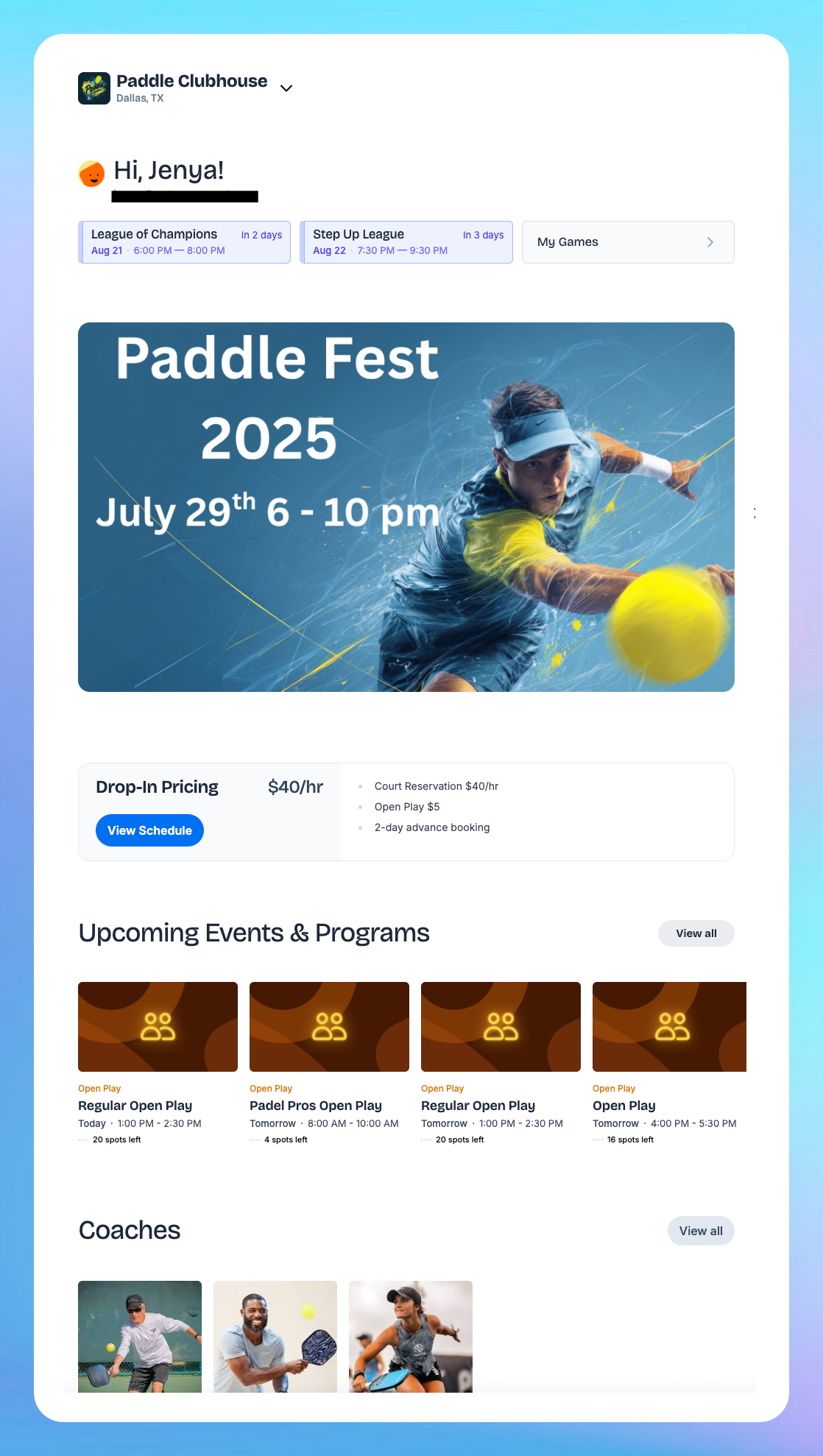
https://app.getopencourt.com/club/your_club_idThis URL will open your club's home page, such as this:
Club Schedule
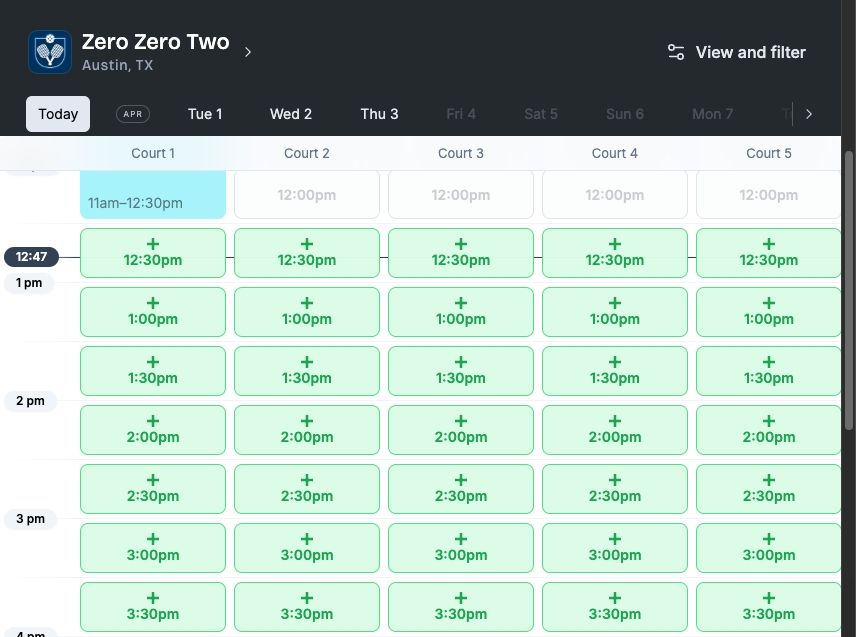
https://app.getopencourt.com/club/your_club_id/scheduleMost often you'll link a "Book a Court" button on your website to take users to this page.
📥 Schedule & Programs Embedding via iFrame
You can embed your OpenCourt schedule directly on your website using an <iframe> .
Here’s the default embed code:
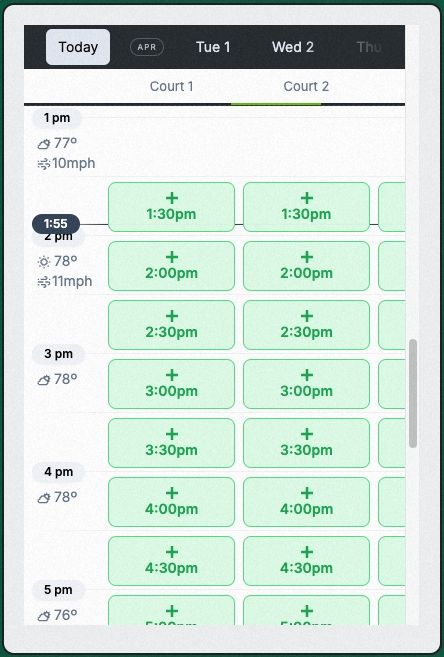
<iframe src="https://app.getopencourt.com/embed/club/your_club_id/schedule?showTabs=true" style="width: 100%; height: 600px; border: none;"> </iframe>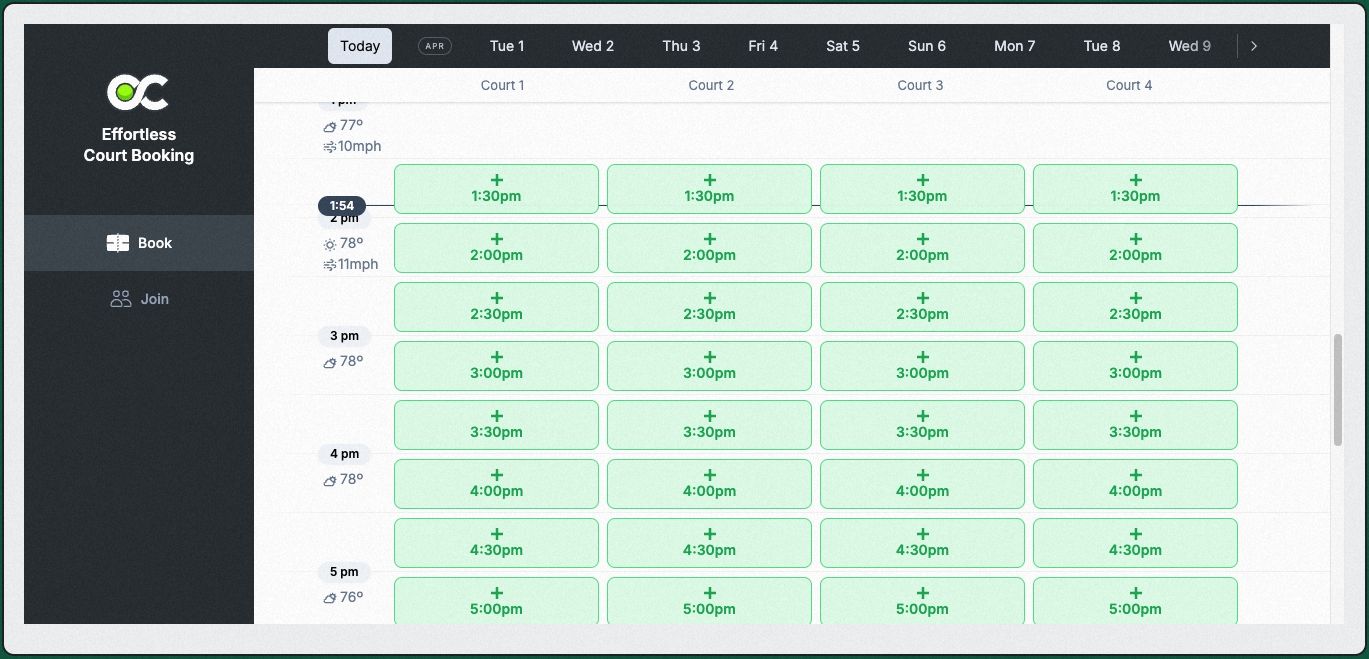
Embed Options
Display the "Join" view with Events and Programs
This is helpful for when you integrate the embed into the Events/Programs page on your website.
Use this variation of the embed src URL:
<iframe src="https://app.getopencourt.com/embed/club/your_club_id/schedule/events" style="width: 100%; height: 600px; border: none;"> </iframe>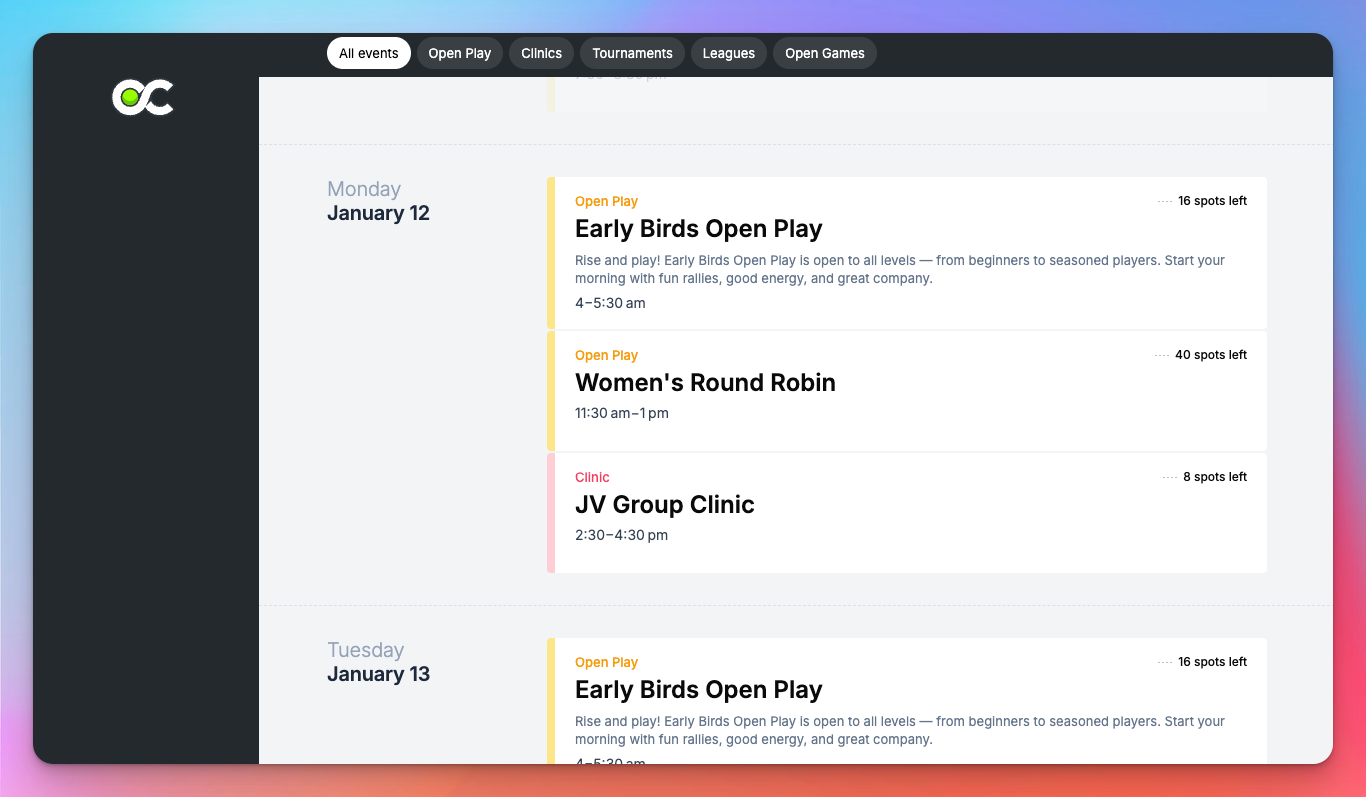
Display the Calendar view of the “Join” page
Use this variation of the embed code:
<iframe src="https://app.getopencourt.com/embed/club/your_club_id/schedule/events?view=calendar" style="width: 100%; height: 600px; border: none;"> </iframe>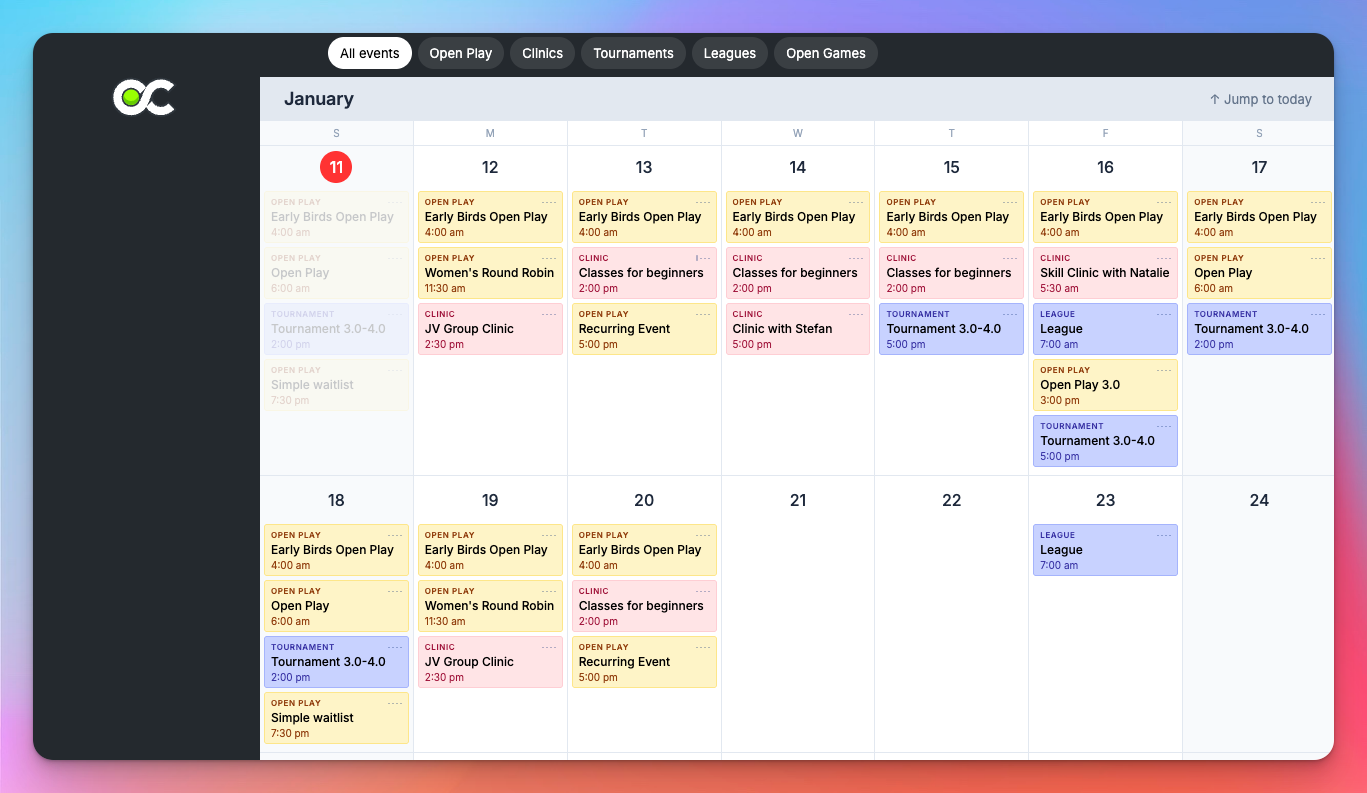
Display the sidebar tabs
If you’d like to display the sidebar tabs that allow the user to be switching between the Book and Join tabs, include the ?showTabs=true parameter in the embed src URL, like this.
<iframe src="https://app.getopencourt.com/embed/club/your_club_id/schedule/events?showTabs=true" style="width: 100%; height: 600px; border: none;"> </iframe>🎨 Styling Recommendations
The embed is a standard iframe and can be styled using CSS to match your website’s design. We recommend giving your web designer some creative freedoms to make sure the embed looks as good as possible on your website!
Consider the following:
Use responsive styles to adjust the height based on screen size.
In most cases the width would be set to 100% to fill the container.
Adjust the height dynamically using CSS or JavaScript if your layout requires it.