Adding a new Smart Lock or Access Control System
In order to add a new smart lock or access control system in OpenCourt, open the Admin Panel and navigate to the Settings → Access Controls page.
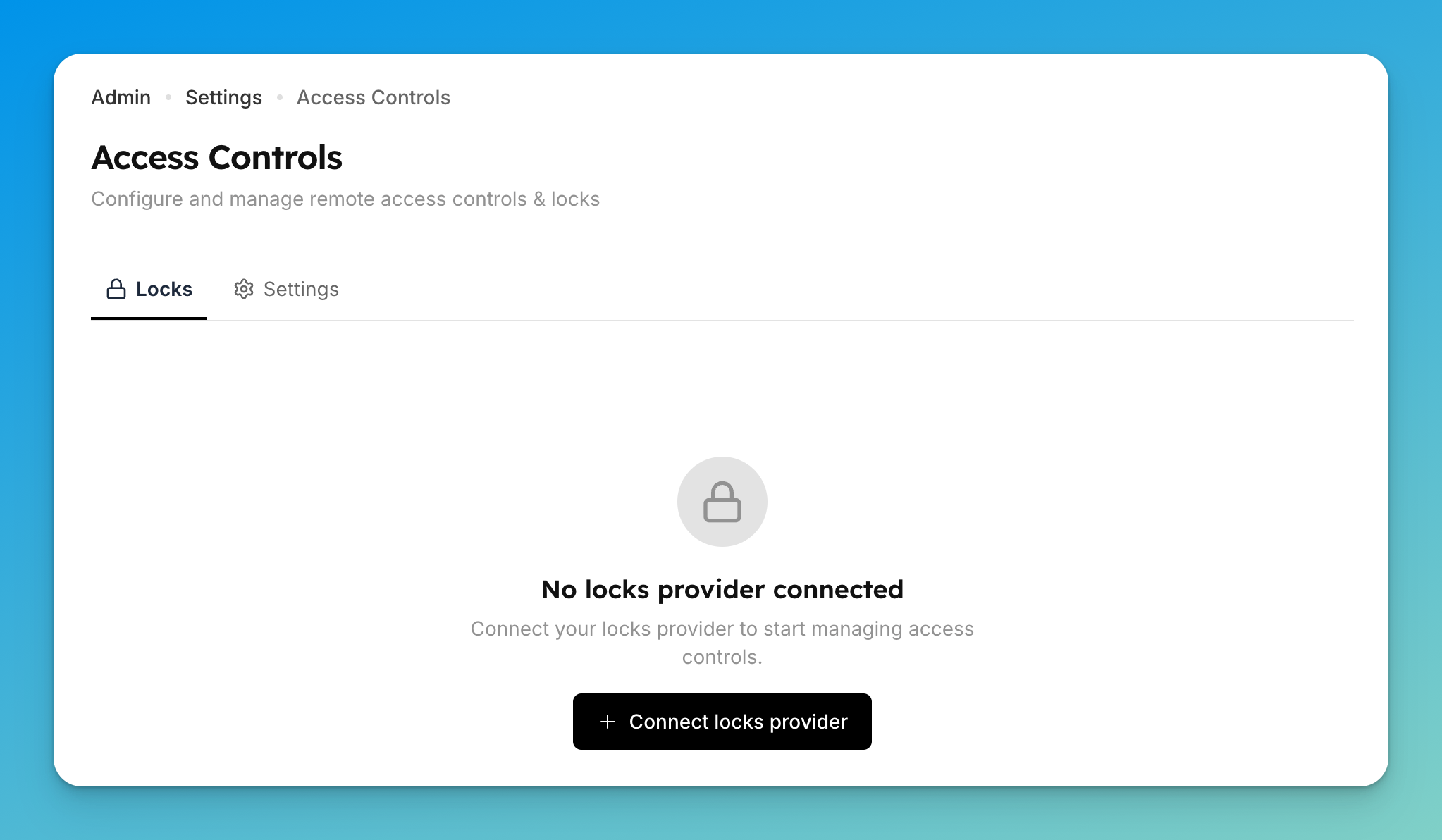
Press the “Connect locks provider” and follow instructions to authenticate your lock provider.
Once the lock is connected, you will see a screen like this:
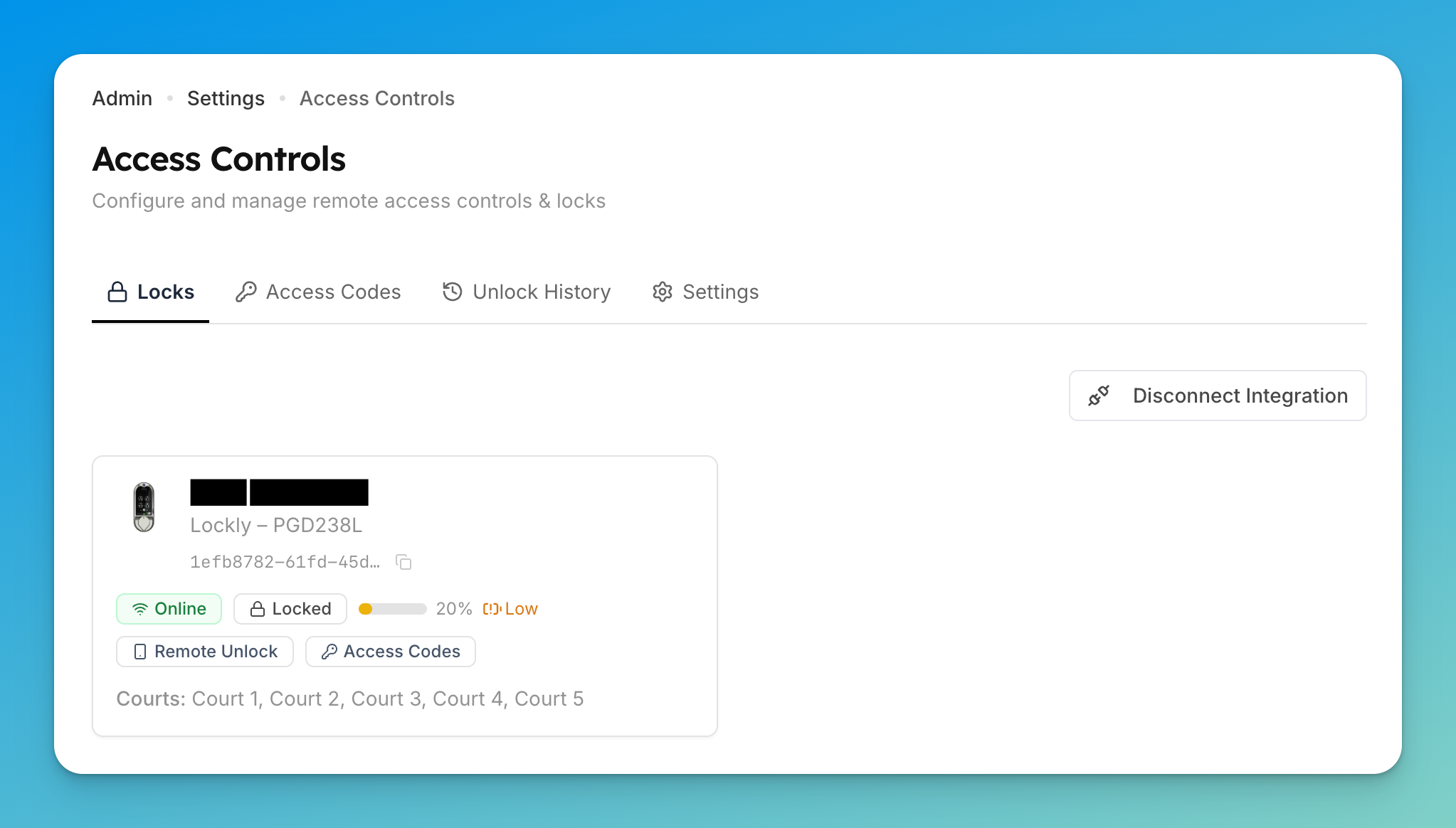
Navigate to the Settings page to manage the settings of your newly setup smart lock.