Signing a waiver online
If your club requires players to sign a waiver before participating, OpenCourt automatically prompts users to complete it during key actions. Once a waiver is signed, it’s stored in the customer’s profile and accessible to club admins.
When are customers prompted to sign the waiver?
Customers will be asked to sign the waiver automatically if they haven’t already signed the latest version for your club. This happens during:
Booking a court
Joining an event
Purchasing a membership
How customers can sign the waiver
There are four main ways users can complete the waiver:
1. During court bookings
If a player tries to book a court and hasn't signed the current waiver:
A pop-up will appear with the waiver text and custom input fields.
The booking cannot be completed until the waiver is signed.
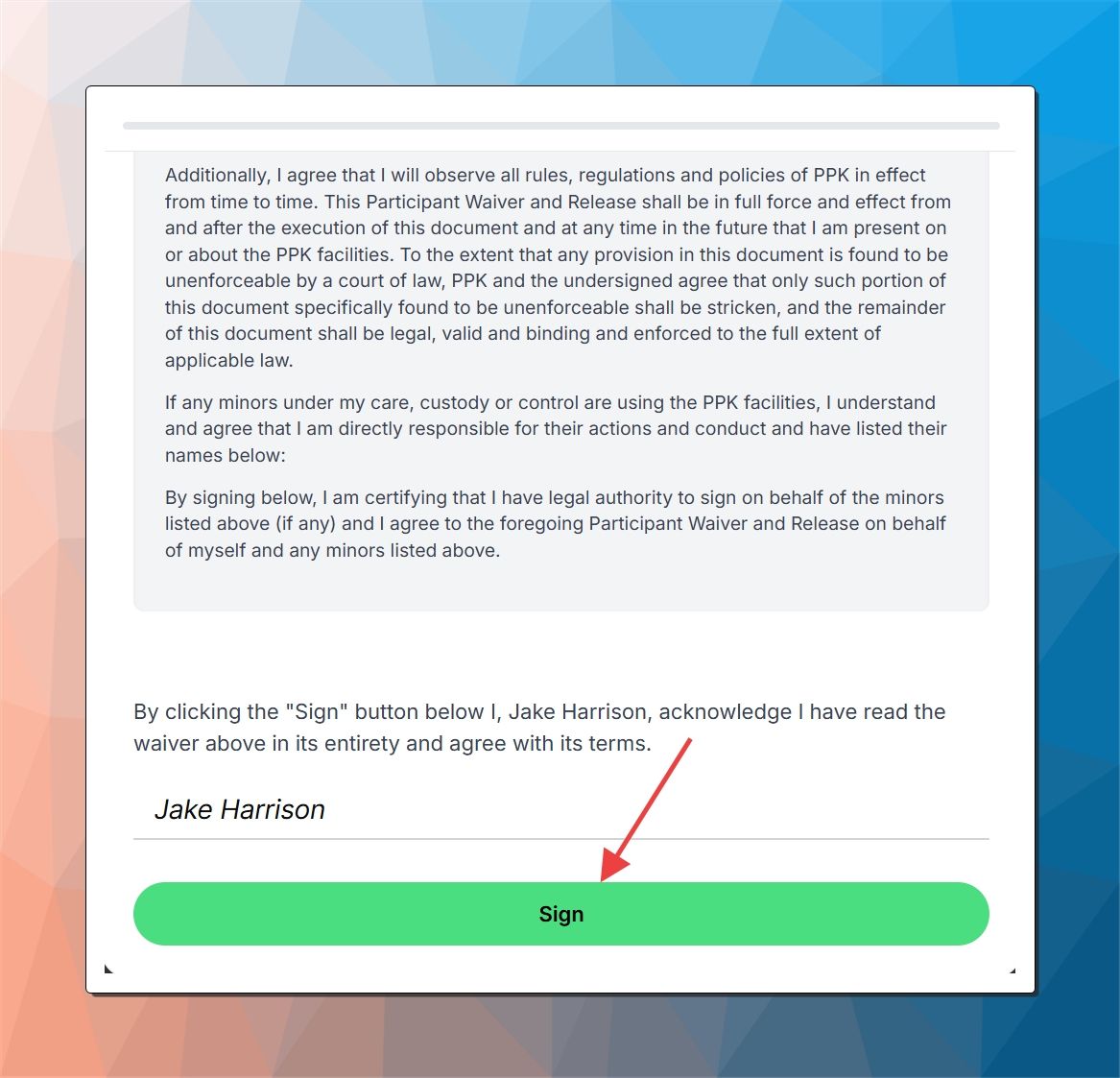
2. When joining an event
If an event has open registration but the user hasn't completed the latest waiver version:
They’ll be asked to sign the waiver before confirming attendance.
3. When purchasing a membership
During the checkout process for a membership:
The system checks if a valid waiver is on file.
If not, the user must sign the latest waiver before payment is processed.
4. Through the club’s waiver link
If you want to collect waiver signatures manually or ahead of time:
Send users this link:
https://app.getopencourt.com/club/<your_club_name>/waiverThey can sign it directly from that page — no bookings or purchases required.
💡 Tips for Club Admins
You cannot add or edit waivers yourself — only the OpenCourt team can do this at the moment. This will change soon!
Each time a new waiver version is added to your club, all users will be prompted to sign it again, even if they signed an older version.