Selling a membership to customers
You can bring in someone fresh or turn a non-member into a full-fledged member. This guide walks you through the process.
Steps to Add New Members
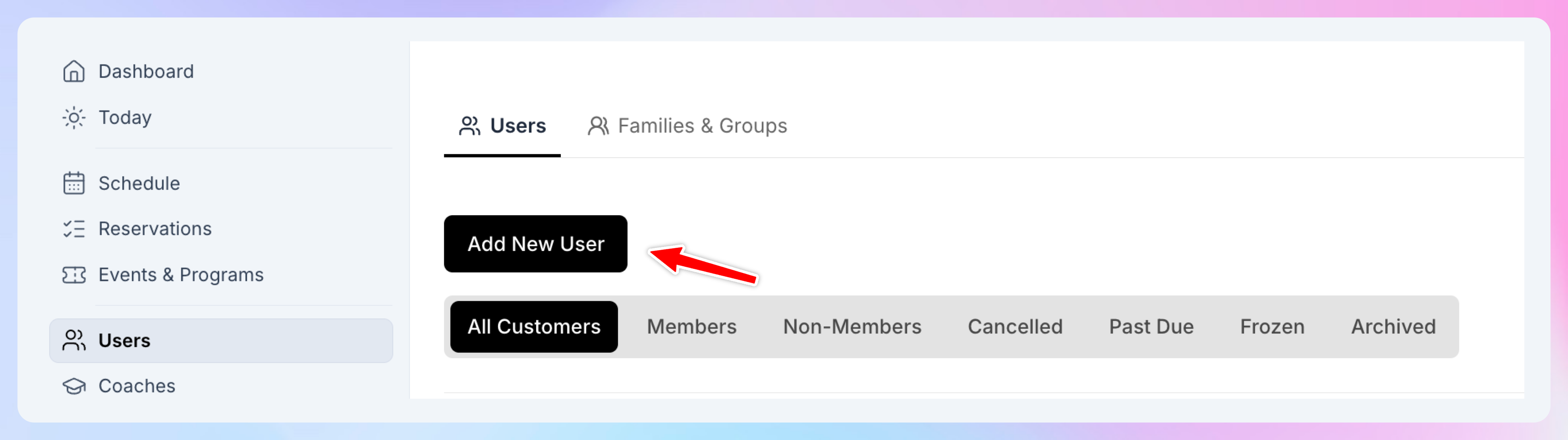
Click on the Users tab from the left-hand menu.
Find/Create their profile
If it’s an existing customer, use the search bar to find them by name or email. Click their name to open their profile.
If it’s a new customer (the person hasn’t interacted with your club yet), hit Add New Customer. Type in their email address, their name — that’s it, their profile is created.
In the user’s profile, click the Membership tab.
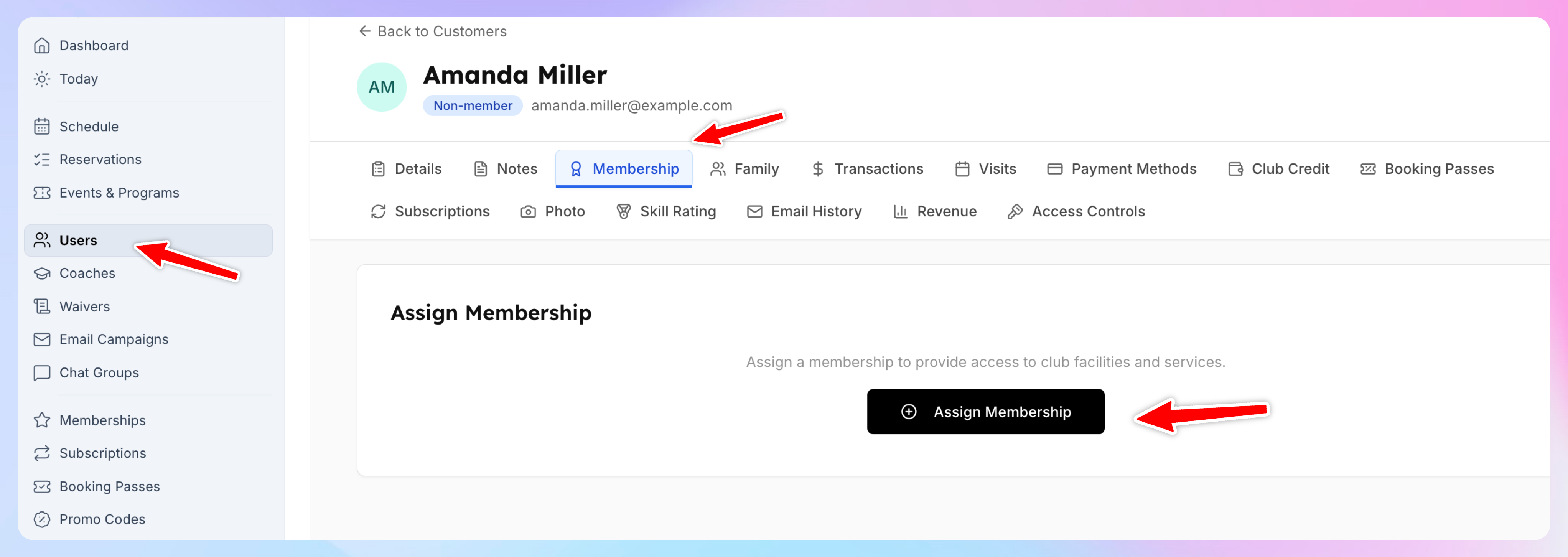
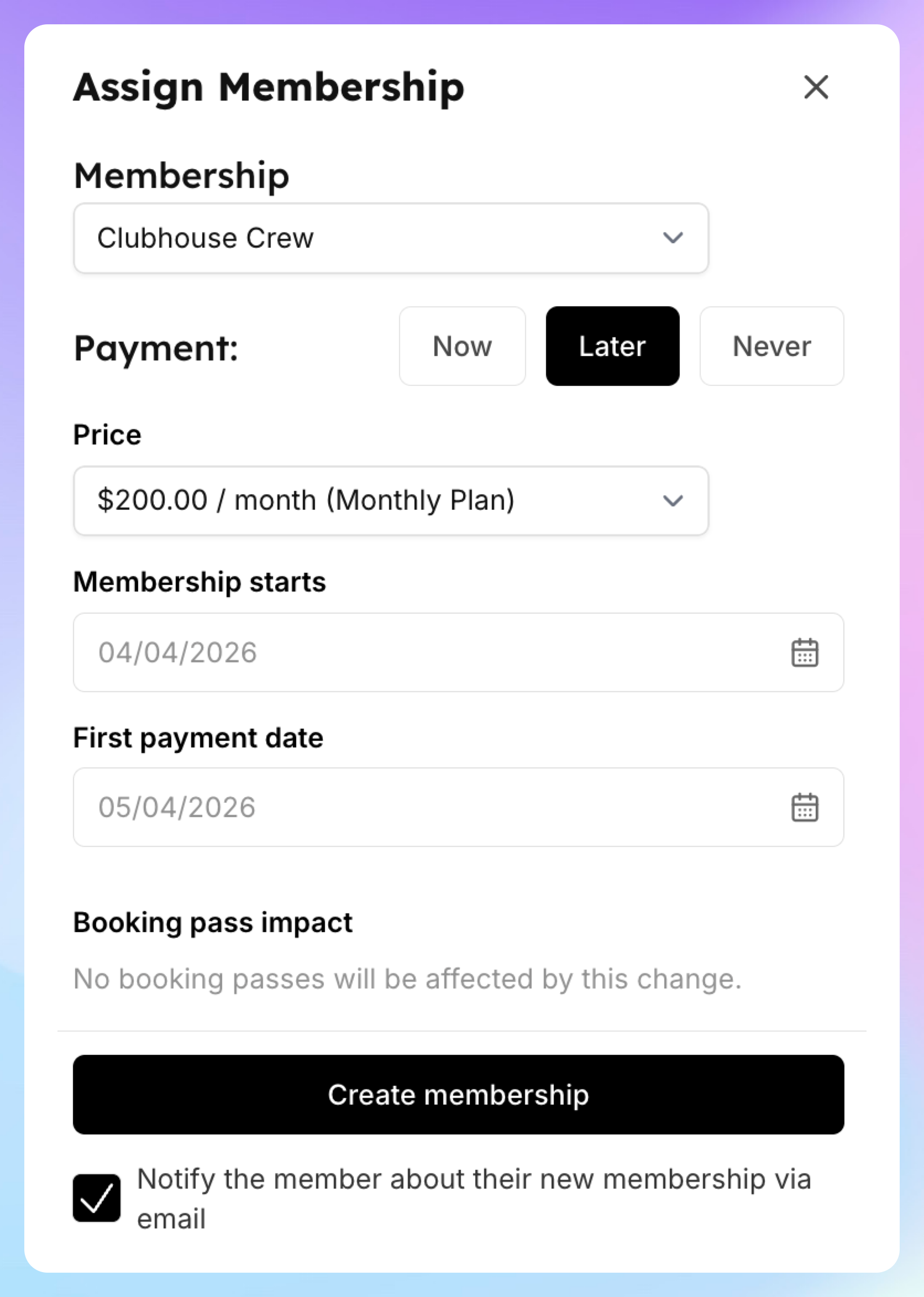
Hit Assign Membership. A dropdown will list options of your memberships.
Pick the right membership.
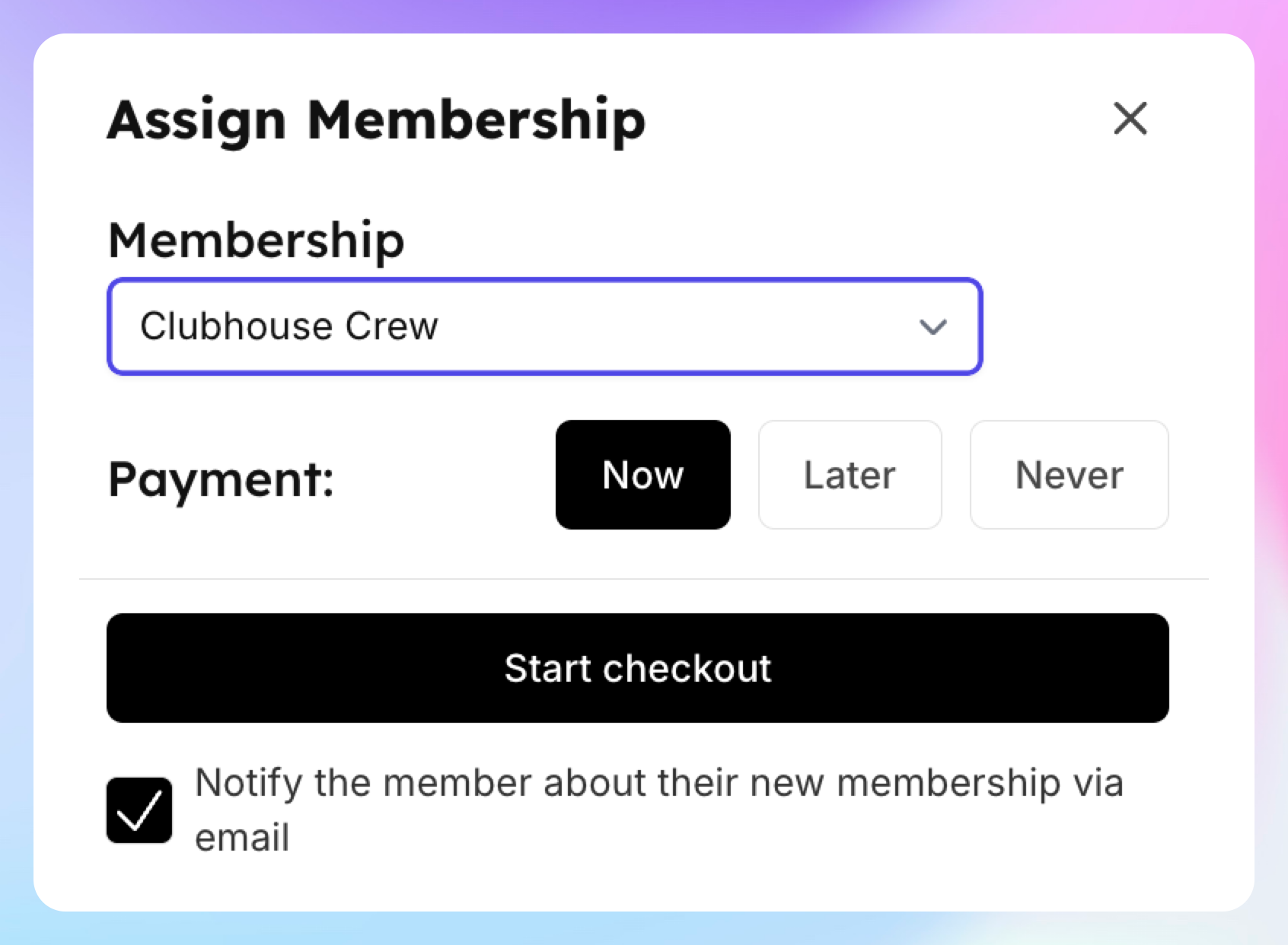
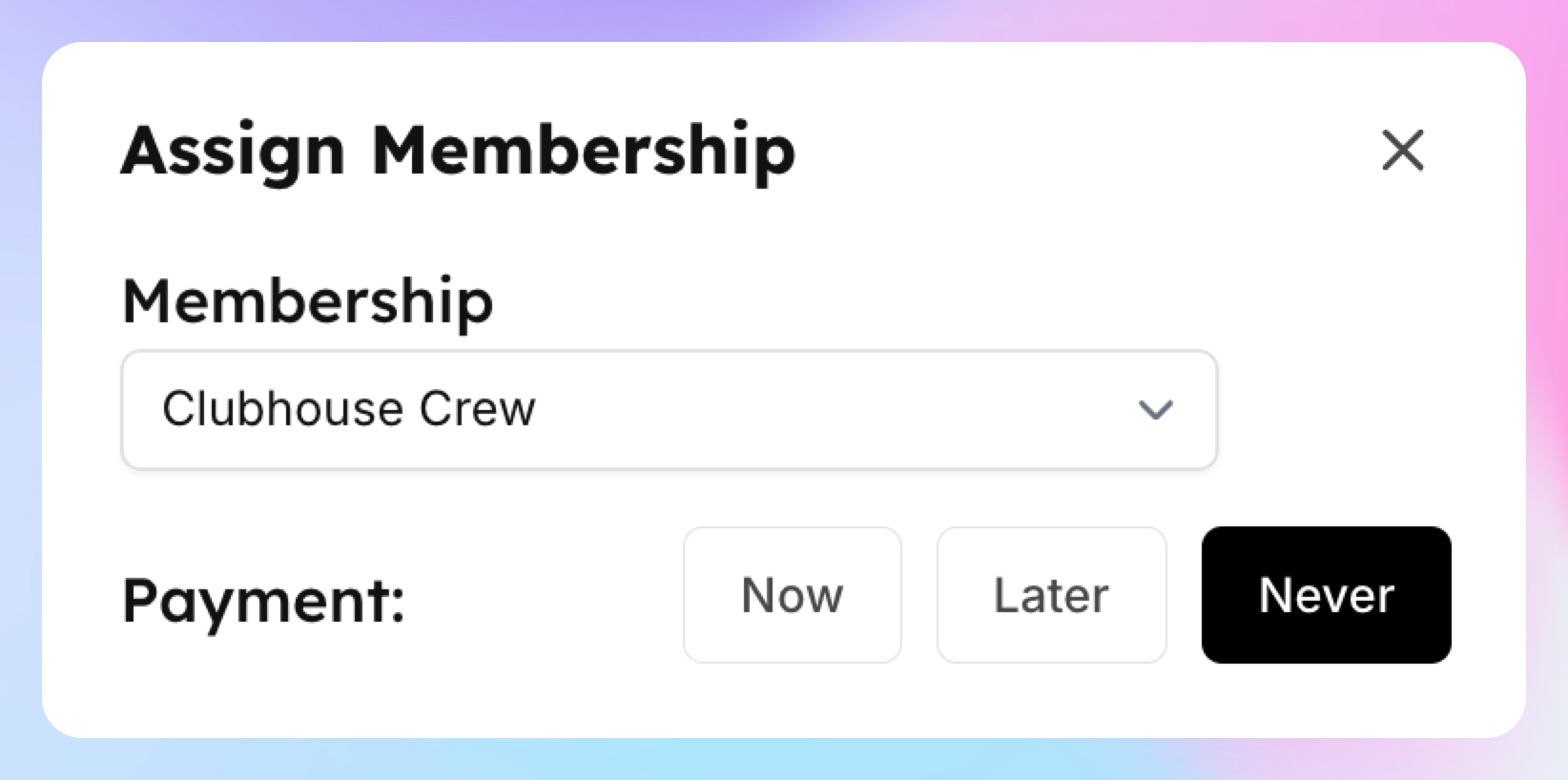
Choose how to handle payment.
Now: Charges them today, starting the membership immediately, with renewals based on the selected billing cycle—monthly, every 6 months, or annually.
Later: Sets a start date and a first payment date (e.g., a week out). They need to add a payment method on file before that first payment date, or it won’t activate if the charge fails.
Never: Applies it as a comped membership with no cost, good for employees or trial periods. It’ll run until December 31, 2199, unless you set an earlier expiration.
if you want to send them a confirmation email, make sure you have the box “Notify the member about the their new membership vis email” checked. Otherwise, uncheck it.
Click Create membership. You’re done — they’re now a member!
Helpful Tips
Waiver Check: If their waiver status shows “Not Signed,” send them a URL or QR code to fill it out.
Payment Setup: If they don’t have a payment method, you can add one in their profile or ask them to do it via their “My Profile” page.